
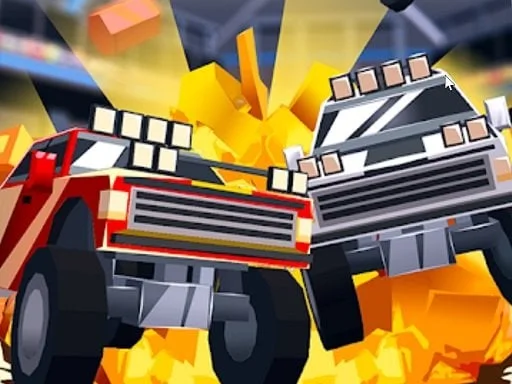
Blocky Roads 3D


Blocky Roads 3D
Instructions
Description
Master the Chaos in Blocky Roads 3D
Forget everything you know about standard racing. Blocky Roads 3D tosses you into a voxel-style wilderness where physics are your best friend and your worst enemy. A massive tornado shredded your farm and scattered the pieces across the globe. Now, it is up to you to drive through snowy peaks, sandy dunes, and lush hills to get your stuff back. It is high-speed Action mixed with a desperate quest for survival. If you love the feel of a 1 Player challenge where skill outweighs luck, this is your new obsession on zistop.
How to Drive in Blocky Roads 3D
This isn't a simple Point And Click experience. You need precision to navigate the treacherous terrain and hit those massive ramps. Whether you are using a tank or a bike, the goal is to launch yourself across the map without flipping over. Built with Unity3D, the game handles gravity in a way that makes every jump a gamble. Check your controls to ensure you have total mastery over your vehicle.
- Arrow Keys / WASD: Drive and Steer
- Spacebar: Brake / Handbrake
- R: Reset Vehicle
Pro Tactics for zistop Racers
Winning isn't just about speed; it is about the right build. While you start with 9 awesome vehicles, the real power lies in the Car Editor. Once you clear track 3, you can build your own ride block by block. This transforms the game from a basic Race into a full-blown engineering Adventure. Want a monster truck that can absorb a heavy Clash with a wall? Or a lightweight bike for a higher jump? Experiment with your designs to shave seconds off your best time. Remember, the voxel physics mean center of gravity is everything. Balance your blocks carefully to avoid tumbling down a mountain.
Stop idling and start driving. Head over to zistop right now to reclaim your farm and dominate the leaderboards in this blocky madness!
